
Invitations set the stage for any event, from weddings to company events, birthday celebrations, and product launches. In addition to sharing important information about an event, a great invitation is a reflection of the personality and brand behind the event itself.
Since many new AI-based design tools are now in use, you can create quality invitations using your computer without having prior graphic design experience. Here we will review two AI-based design tools: Design.com and Microsoft Designer to see how they compare on their AI tools, ability to customize designs, number of templates, and ease of use to help us find the best tool for making invitations.
Feature Comparison
| Feature | Design.com | Microsoft Designer |
| Template Library | 400K+ logo templates, 1M+ total design templates | Moderate invitation template selection |
| AI Invitation Creation | Full AI-powered ecosystem | AI image generation with templates |
| AI Editing | Chat-style AI editing for text & icons | Basic AI suggestions |
| Exclusive Assets | 750+ fonts, 62K+ vector shapes | Standard asset library |
| Branding Integration | Automatic logo & color sync across 50+ tools | Limited branding tools |
| Commercial Safety | All designs originality-checked | Standard licensing terms |
| Extended Licensing | Exclusive logo ownership option | Not available |
| File Formats | SVG, EPS, PDF, PNG, JPG, GIF, MP4 | PNG, JPG |
| Printing Services | Integrated printing with free delivery | Not included |
| Collaboration Tools | Favorites list & voting polls | Not included |
| Best For | Businesses & individuals needing full branding & commercial-ready designs | Casual or internal event invitations |
Design.com
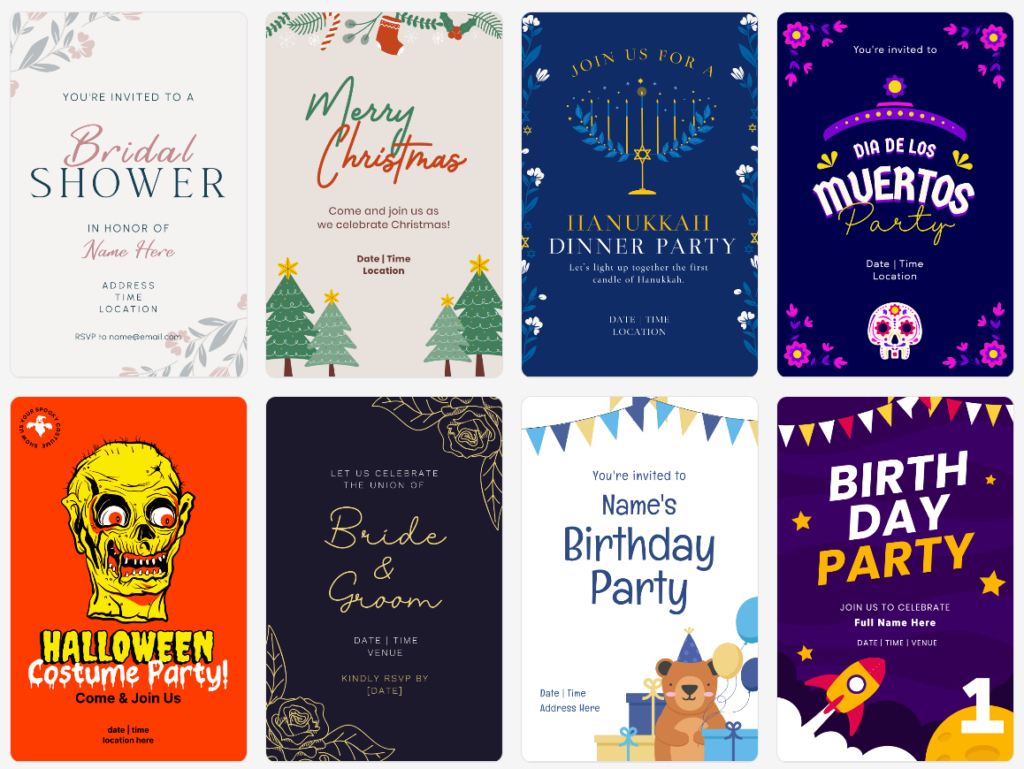
Design.com is an all-in-one AI-powered design platform built for individuals, entrepreneurs, and businesses that want professional results without complex tools.
While widely known for its logo creation capabilities, the platform extends far beyond that, offering a fully integrated branding ecosystem that includes invitations, websites, business cards, social media graphics, marketing materials, and more.
Main Characteristics
- The World’s Largest Design Library: Design.com has over 400K+ logo templates and over 1M+ overall design templates, which include all of the various invitation layouts available for different occasions and industries.
- AI Invitation Maker: Generates fully customized invitations in seconds by entering your event type, theme, and preferred style; AI automatically suggests layouts, fonts, and color combinations.
- AI-Based Design Tools: A fully functional AI-based logo designer; an AI-based website builder; AI-based business cards; AI-based flyers; AI-based posters; AI-based presentations; an AI-based business name generator; and an AI-based background remover.
- AI-Based Editing System: This allows users to edit their invitation text and icons through a simple chat interface. The AI is custom-trained to ensure that the edited invitation does not violate copyright and will allow safe use in a commercial setting.
- Professional Exclusive Content: Designs made by experienced professionals; 750+ Fonts (525+ exclusive); 62K+ custom vector shapes.
What’s More?
- Automatic Brand Color Synchronization: Automatically applies your logo’s color scheme to all print, social media, and web-based templates, ensuring consistency across all your branding channels.
- Copyright-Free Commercial-Use Designs: All of the content on Design.com is checked for quality and to determine if it can be used commercially.
- File Format Options: Design.com provides SVG, EPS, PDF (vector files), PNG & JPG (raster files), GIF & MP4 (animated files), icon-only, and transparent background options.
- Over 50 Branding Tools: Invitations, websites, business cards, digital business cards, social media posts, presentations, QR codes, flyers, posters, letterhead, menus, etc.
- Free Tools: Free logo downloads give users the ability to use the free website builder, free link-in-bio creator, and free digital business card maker (premium required to download advanced design templates).
- Print Invitation And Business Card Service: Design.com gives users the option to order printed invitations and business cards directly from the site at no cost to shipping.
- Available Globally: Design.com is available in many languages and accepts payment in local currencies around the world.
- Support: Users have access to email and live chat support 24 hours a day.
Why Use Design.com?
Design.com is a great resource for both personal and business events because it provides so much more than just invitation templates. It also has features like AI-based automation, professional exclusive content, commercial-use designs, extended license options, and a complete branding experience in one place.
Design.com offers the world’s largest design library, a sophisticated AI-based editing system, professional exclusive content, flexible file format options, and a comprehensive branding experience to create the best invitation-making experience available in 2026.
Microsoft Designer
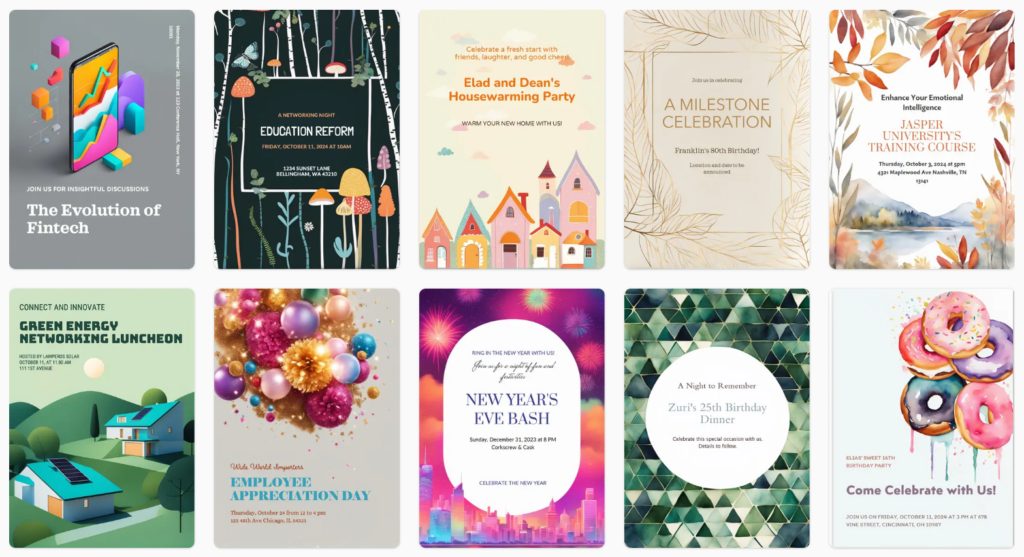
Microsoft Designer is a graphic design platform that uses artificial intelligence to assist users with their creative projects. Microsoft Designer is centered around creating easy-to-create content utilizing the AI-generated imagery and ready-made templates, and therefore best suited for end-users looking for easy, low-cost invitations and promotional materials to use with simple branding options.
Main Features
- AI-Generated Images: Users can create background images and custom images using text prompts as part of the AI image generation capabilities to create thematically related images for birthday and celebration invitations, corporate event invitations, announcement invitations, and other event-related materials.
- Pre-Designed Invitation Templates: Users have access to several pre-designed invitation layouts to customize and create their own birthday and celebration invitation layouts, corporate event invitations, announcement invitations, and other event-related invitation layouts.
- Drag-and-Drop Editing: The drag-and-drop editing feature makes it easy for users to edit fonts, layouts, colors, and images using the user-friendly features available in the Microsoft Designer.
- Integration with Other Microsoft Products: Users can connect and export designs from Microsoft Designer into Microsoft applications, which provides convenience to users who are currently using other Microsoft applications and software.
- Suggested Designs Using AI: Users will receive suggested layouts and content recommendations based on artificial intelligence to help improve the visual balance and readability of the designs created.
- Exporting Finished Designs: Users can download their completed designs in the standard PNG and JPG formats for either digital distribution or to use for general printing purposes.
Why Use Microsoft Designer?
The ease of use and integration with existing Microsoft products make Microsoft Designer useful for users who are already familiar with Microsoft products and do not require complex branding options when creating invitation designs.
Microsoft Designer creates invitation designs easily; however, it has a limited number of templates and does not offer a full branded ecosystem, commercial license option, and AI-based editing system offered at Design.com.
Final Verdict
Microsoft Designer is a great product for making easy invites; however, if you are looking for high-end invites with AI editing capabilities, exclusive assets, commercial use protection, extended license options, print service, and an all-encompassing branding ecosystem, Design.com has the upper hand.
For 2026’s scalable, AI-based, and brand-consistent invitation designs, Design.com will be the one standing tall as the top choice.